Change the clothes in your photo with AI
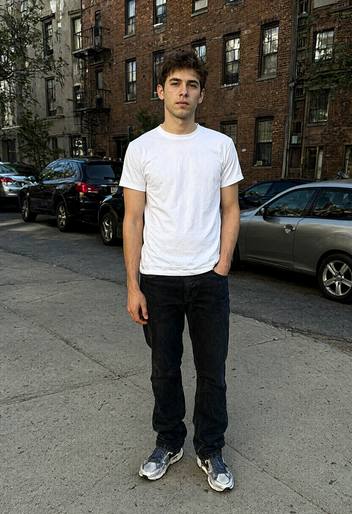
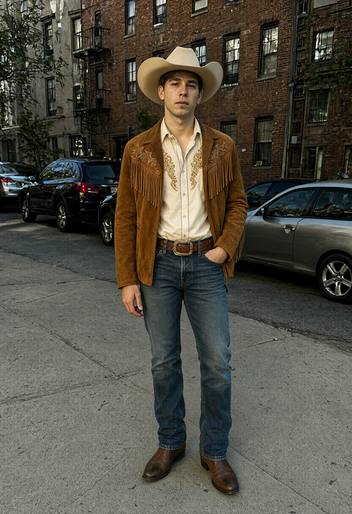
Upload a photo of yourself, pick an outfit style, and Rizz My Fit redresses you in seconds. Your face, pose and background stay exactly as they were.
Pick a photo of yourself. Nothing is uploaded until you sign in.
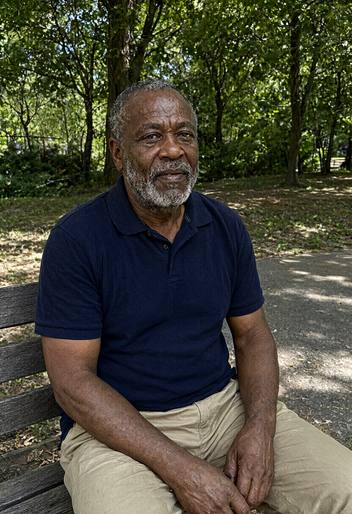
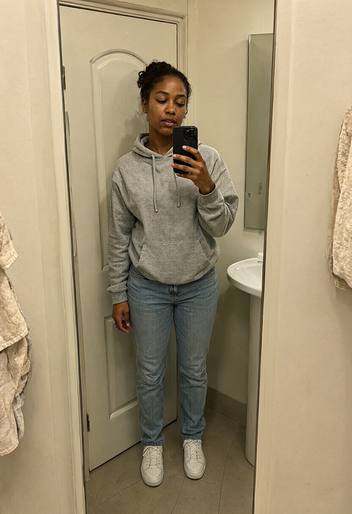
Real before and afters


How to change clothes in a photo
- Pick a photo. Use a clear, well-lit photo where your outfit is easy to see. A full-length shot lets you change everything down to your shoes, and group photos work too.
- Add it to Rizz My Fit. Choose your photo here and sign in with Google, Facebook or Apple. Nothing is uploaded until you do.
- Pick a style. Choose from 80+ looks, from Old Money and streetwear to costumes. You can also set the fit (masculine or feminine) and your own colors.
- Get your new outfit. In seconds you get two variations with your face and pose unchanged. Download them or share a link.
What people use it for
- Trying a sharper look for a dating profile before buying a thing.
- Turning a casual photo into a professional headshot for LinkedIn.
- Seeing yourself in a costume before the party, from pirates to Halloween classics.
- Checking whether a style suits you before you shop for it.
- Sharing a laugh with friends: the whole group restyled in one photo.
Tips for the best result
- Use good light and make sure your clothes aren't hidden behind a bag, a table or your arms.
- Only the clothes in the frame change, so a full-length photo gives the most complete outfit.
- Each try is generated fresh. If a result isn't right, run it again or try a different photo.
Your photos stay private: only you can see them unless you share a link, and we never use them to train AI models.
Popular styles to try
-
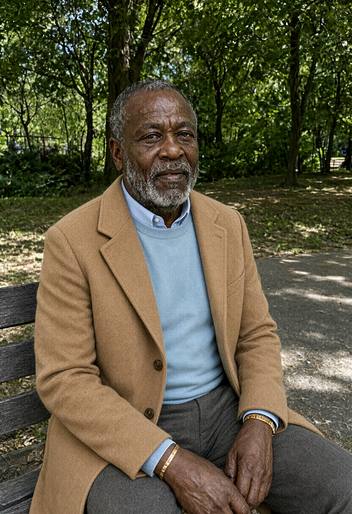 Old Money
-
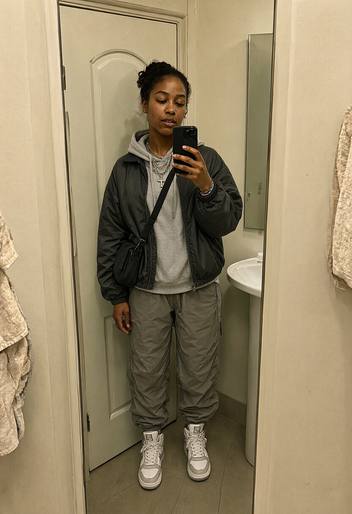 Streetwear
-
 Date Night
-
 Business Casual
-
 Y2K
-
 Wedding Guest
-
 90's Grunge
-
 Cyberpunk
-
 Pirate
-
 Peaky Blinders
Pick a photo of yourself. Nothing is uploaded until you sign in.